

 BLOG
BLOG

 DIY
DIY







 DIGITAL

 CRÉATIONS

 PROJETS

 TUTORIELS
 BOUTIQUE

 CONTACT



















Sep
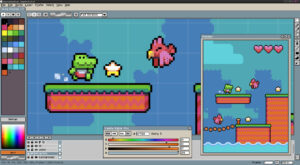
Aseprite est un logiciel performant d’édition de sprite et d’animation pour le pixel art
Aujourd’hui, je vous propose de découvrir un logiciel plutôt récent, incroyable et performant, original et amusant, malheureusement payant, qui est donc Aseprite Software, petit nouveau dans la grande famille des logiciels de dessin en pixel art.
Résumé
Avantages
- Outils classiques de dessins performants
- Système de calques comme sur Photoshop
- Facile de prise en main, même pour l’animation des sprite
- Interface agréable, originale et intelligente
Inconvénients
- Logiciel payant (environ $15, soit environ 13€)
- A cause de la font de base, le texte est parfois peu lisible
Aseprite – quels outils pour quelles utilisation ?
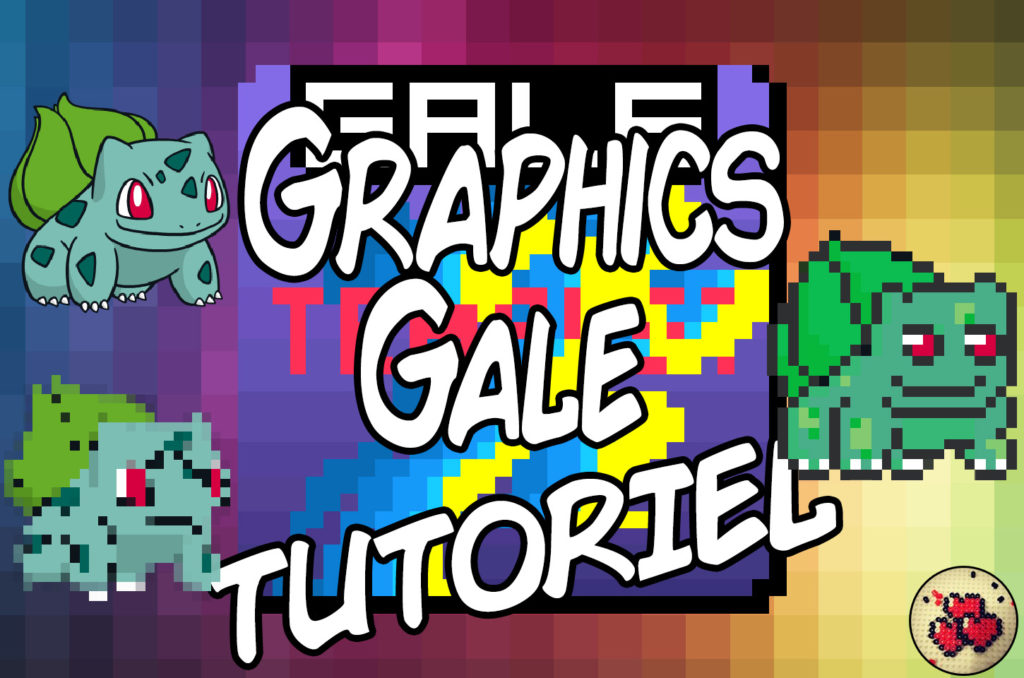
Pour les passionnés de pixel art comme moi, la recherche d’un outil efficace, performant et facile de prise en main pour la création de mes œuvres est une quête éternelle. En effet, trouver un logiciel qui combine tous les outils dont j’ai besoin et qui en plus répond efficacement à mes attentes est une tâche plutôt ardue. Alors que j’utilisais Graphics Gale depuis quelques années déjà, un ami m’a proposé une clé pour obtenir Aseprite. Et depuis, j’ai migré définitivement sur ce dernier.
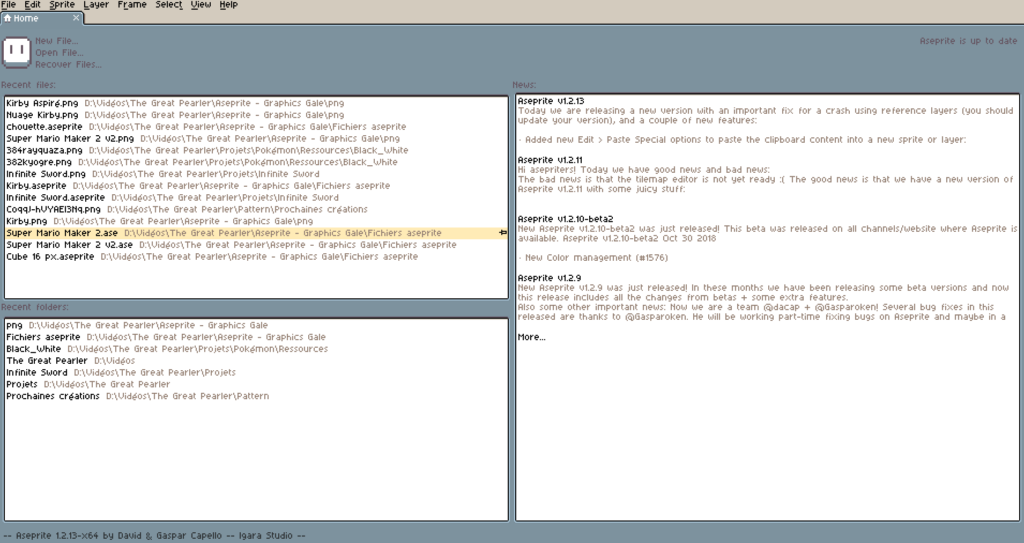
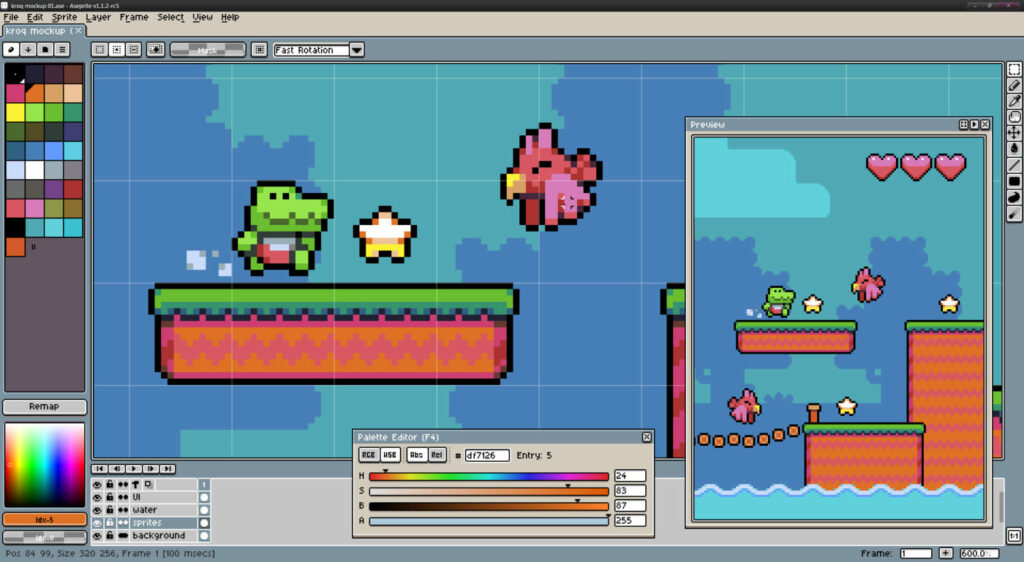
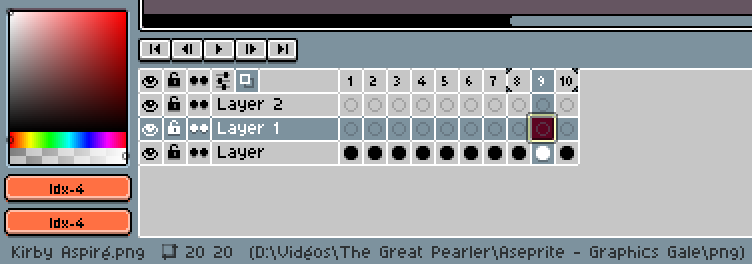
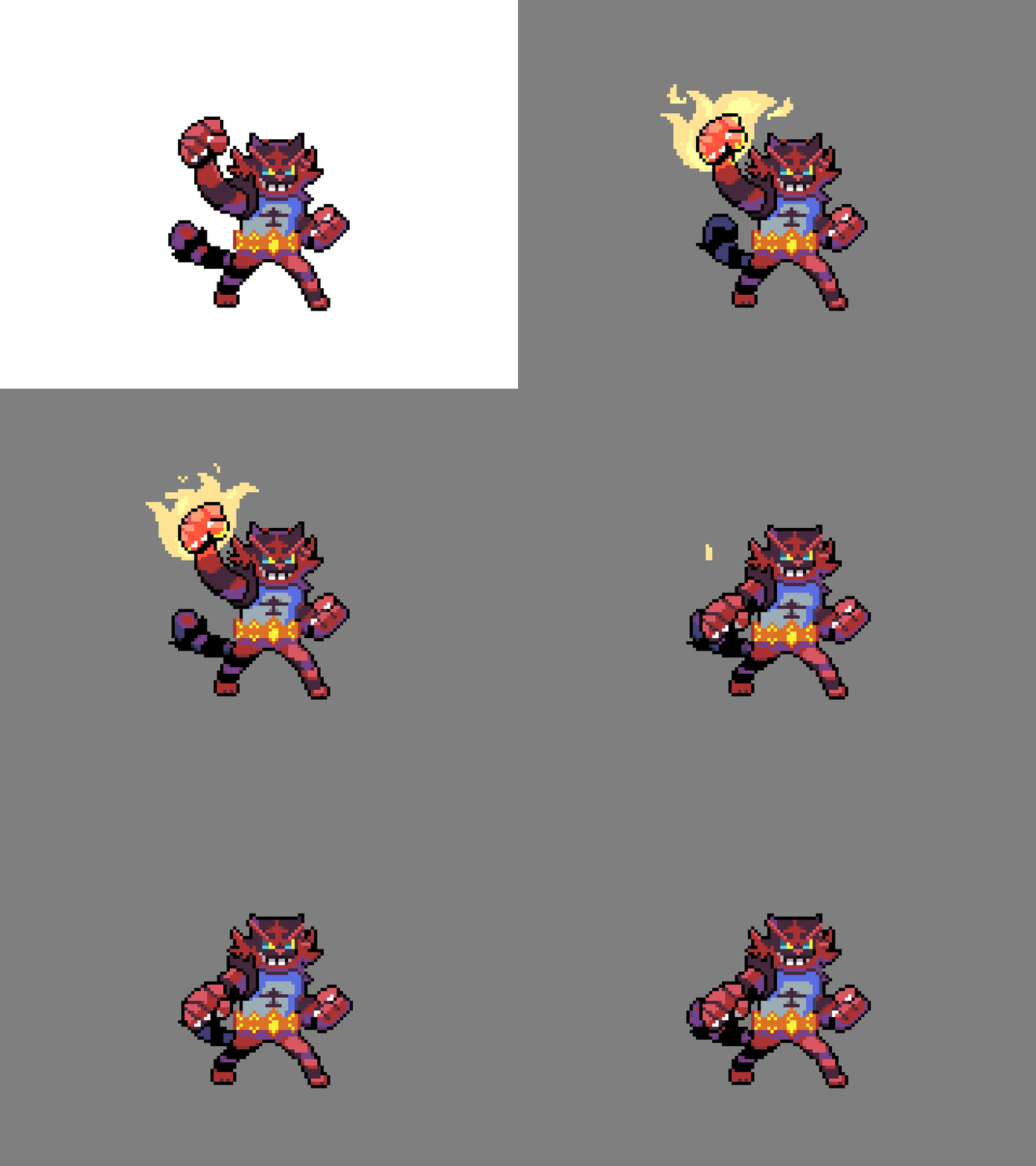
Aseprite propose des outils d’édition classique : sélection, pinceau, gomme, pipette de couleur, loupe, pot de peinture, trait, rectangle, etc… Et tous les autres qui concernent la création de sprites animés comme des calques, des couches et la timeline qui permettent de créer d’adorables animations.
D’après les différentes revues que j’ai trouvé sur internet, Aseprite est fréquemment utilisé par les créateurs de jeux vidéo (en pixel art bien sûr) pour créer les différents sprites de leurs jeux. Cela m’étonne peu du fait de sa simplicité d’utilisation.
Les palettes, le gros plus d’Aseprite
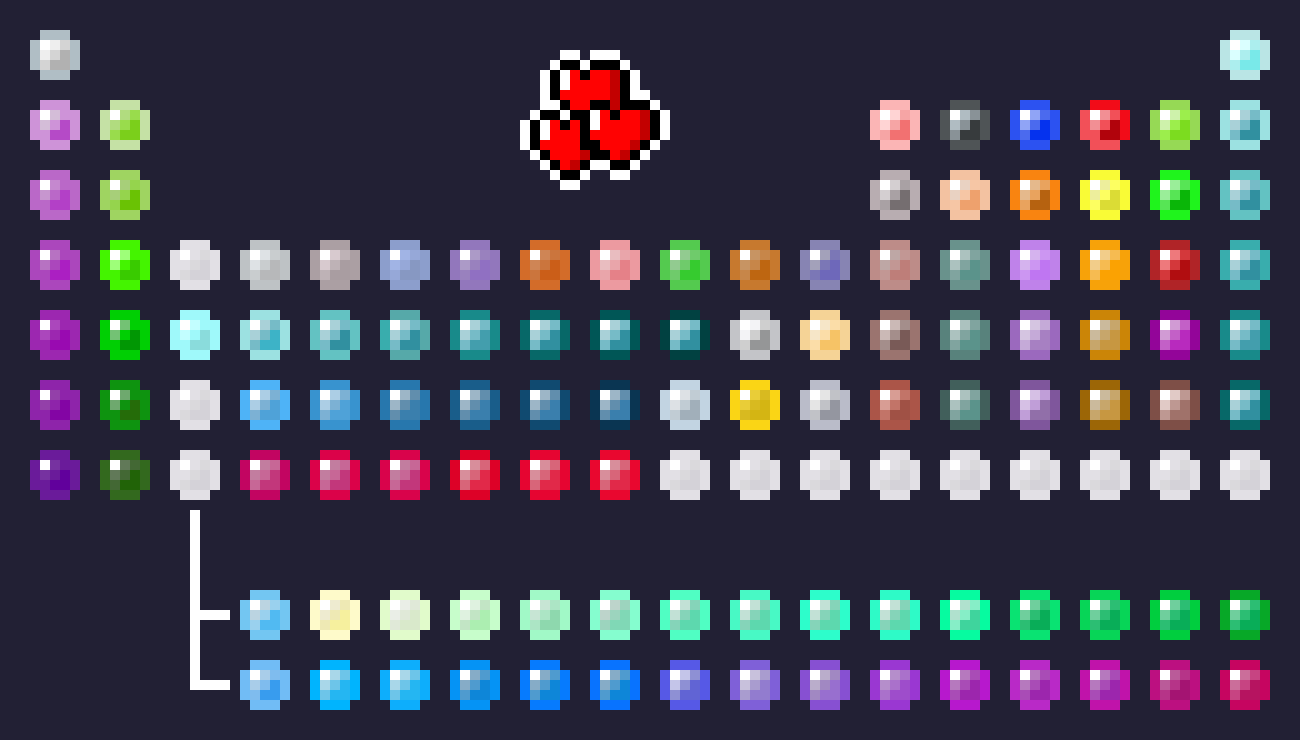
Aseprite propose une palette 100% personnalisable que l’on peut ensuite trier par gradient de couleur, de luminosité ou encore par la saturation, ce qui peut être vraiment utile pour la création des pixel art et d’identifier les gradients de couleurs. Comme pour GraphicsGale, Aseprite s’occupe d’identifier toutes les couleurs utilisées lorsque vous ouvrez un pixel art.
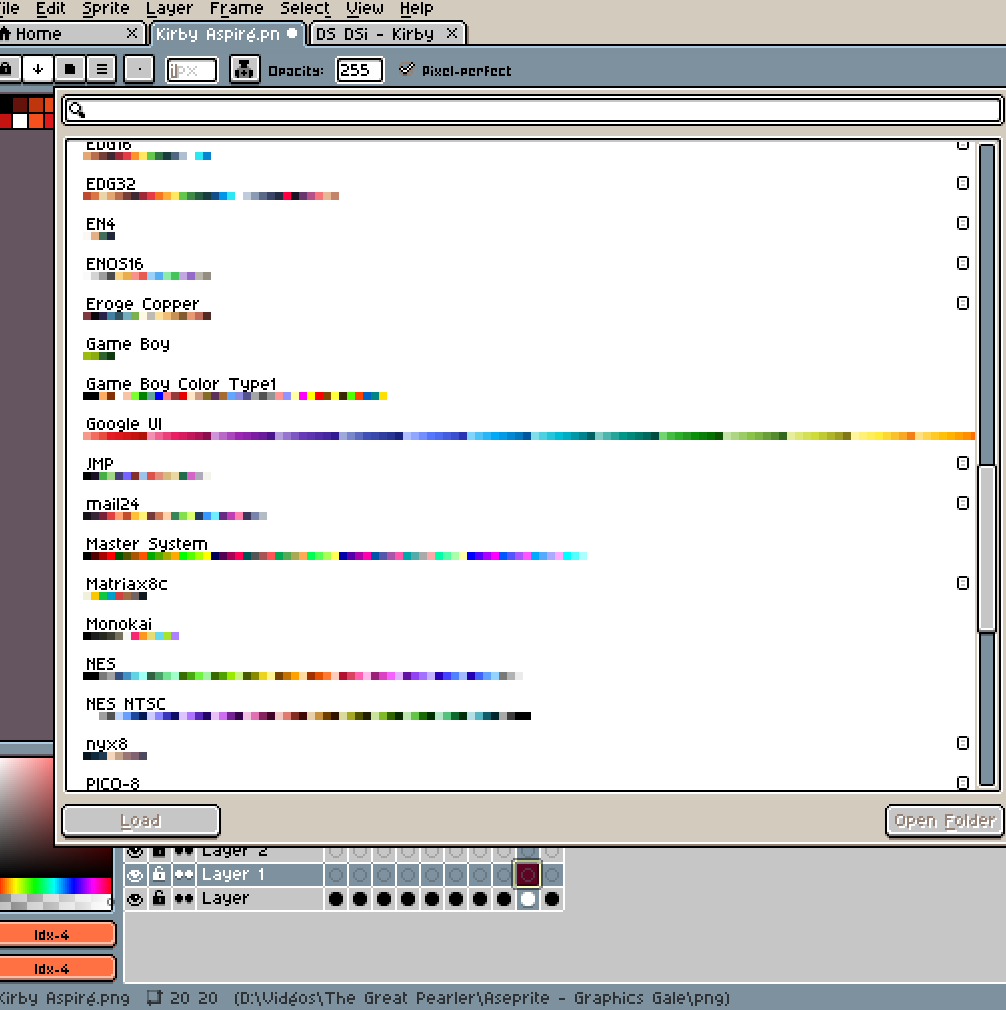
Enfin, Aseprite possède déjà plusieurs librairies de palettes déjà fournie avec le logiciel, ce qui peut être pratique pour la sélection de couleurs adaptées pour certains supports (GameBoy, Google, Master System, etc). Et puis, comme pour beaucoup de logiciel dans cette catégorie, il est tout simplement possible soit d’éditer les palettes déjà présentes, soit d’importer les vôtres.
En conclusion
Aseprite est pour moi un super logiciel que j’utilise presque tout le temps maintenant pour mes créations !
Continuer l'aventure

Pixeliser automatiquement une image
1 Commentaire